Independent project · Since 2 October 2026
ClearCraft Workbench
Forms & Document Workflows
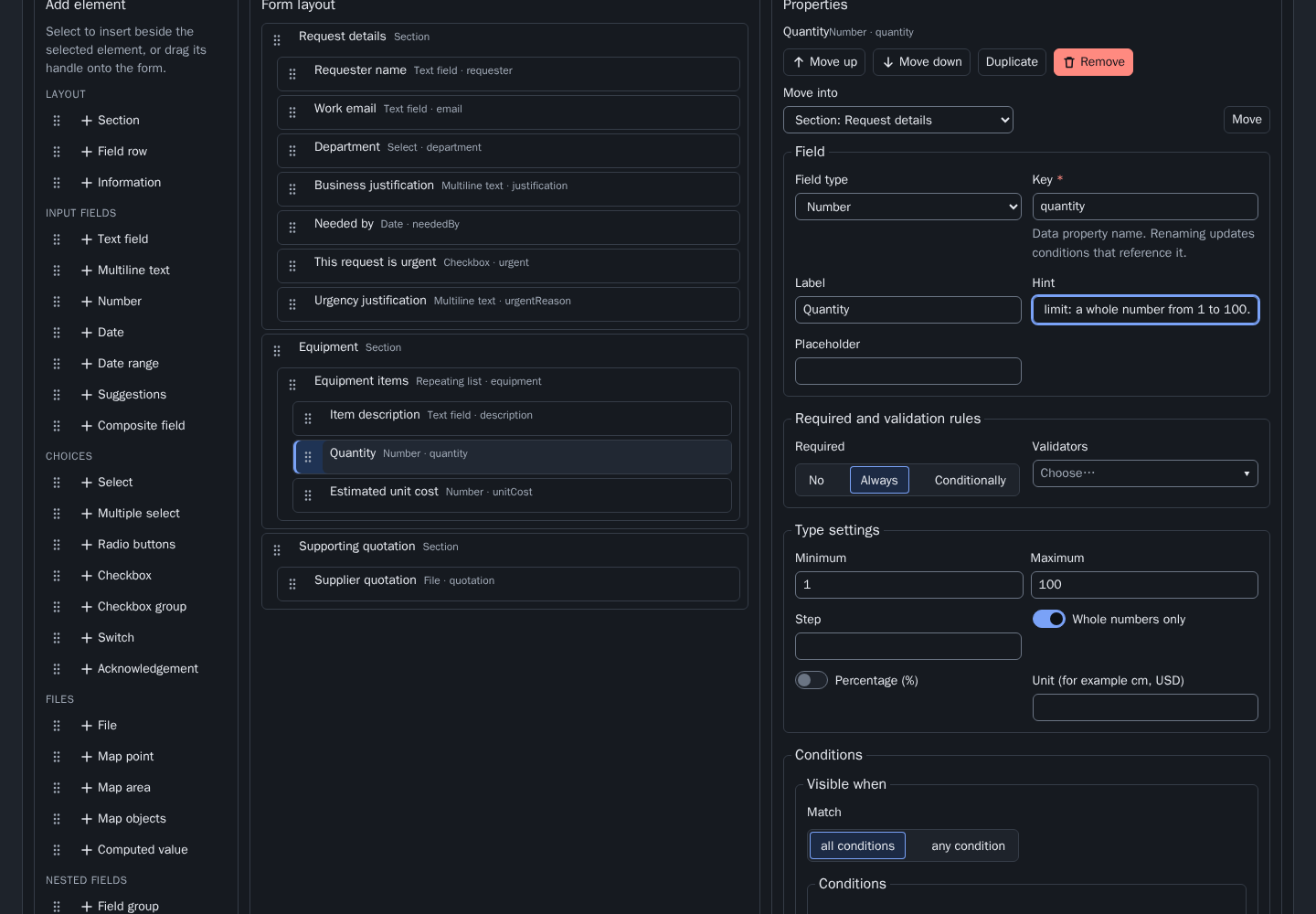
A person requesting equipment needs to explain the need, list the items and supply a quotation. A form author needs to change those questions without mixing definitions with answers. I designed and implemented this workflow in Angular, composing existing shared UI with application-owned rules.
A local demonstration using synthetic data and fictional rules. Form publication creates a version to fill; it does not approve a purchase. A private walkthrough is available on request.
01 / A working scenario
From a definition
to a document.
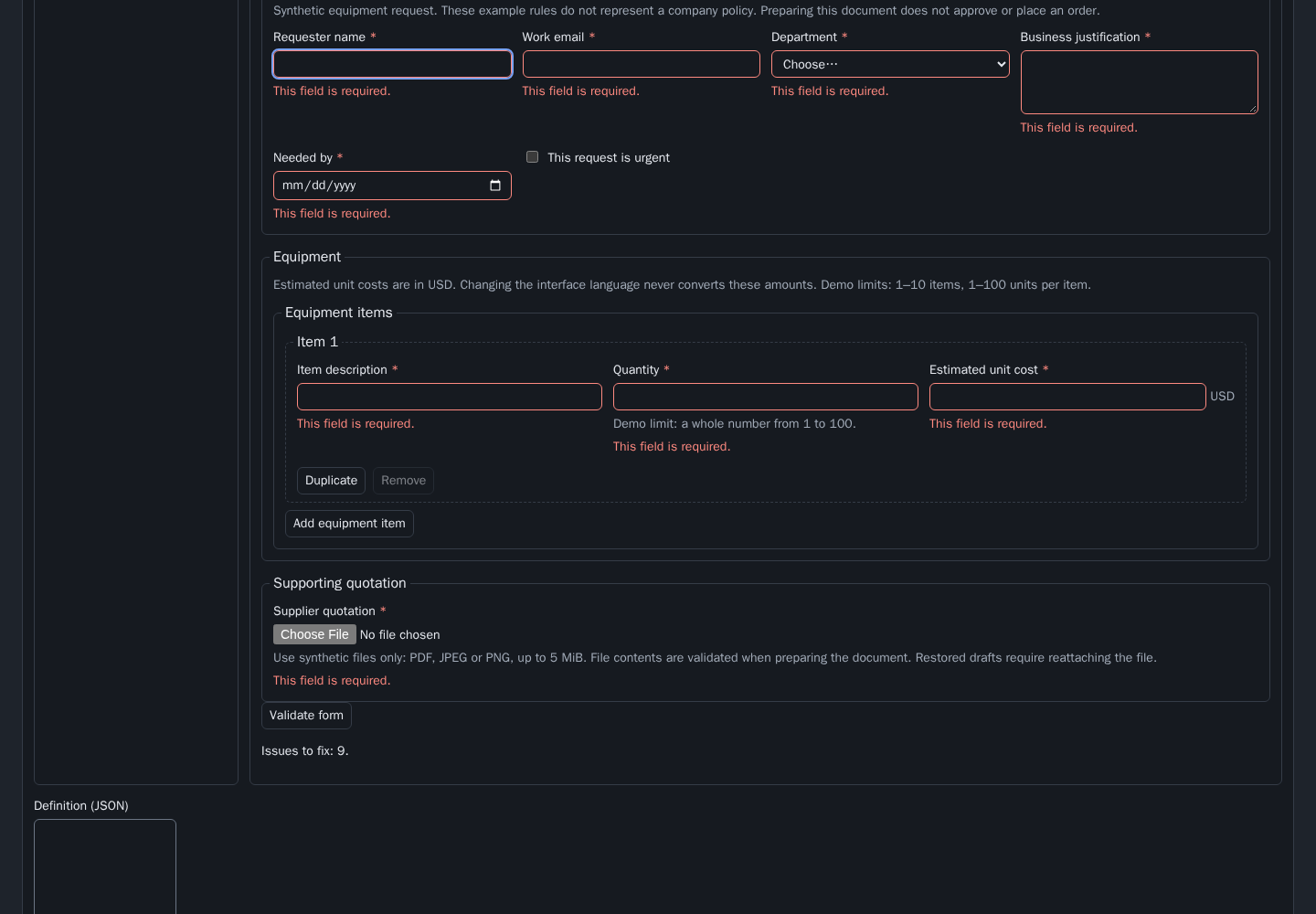
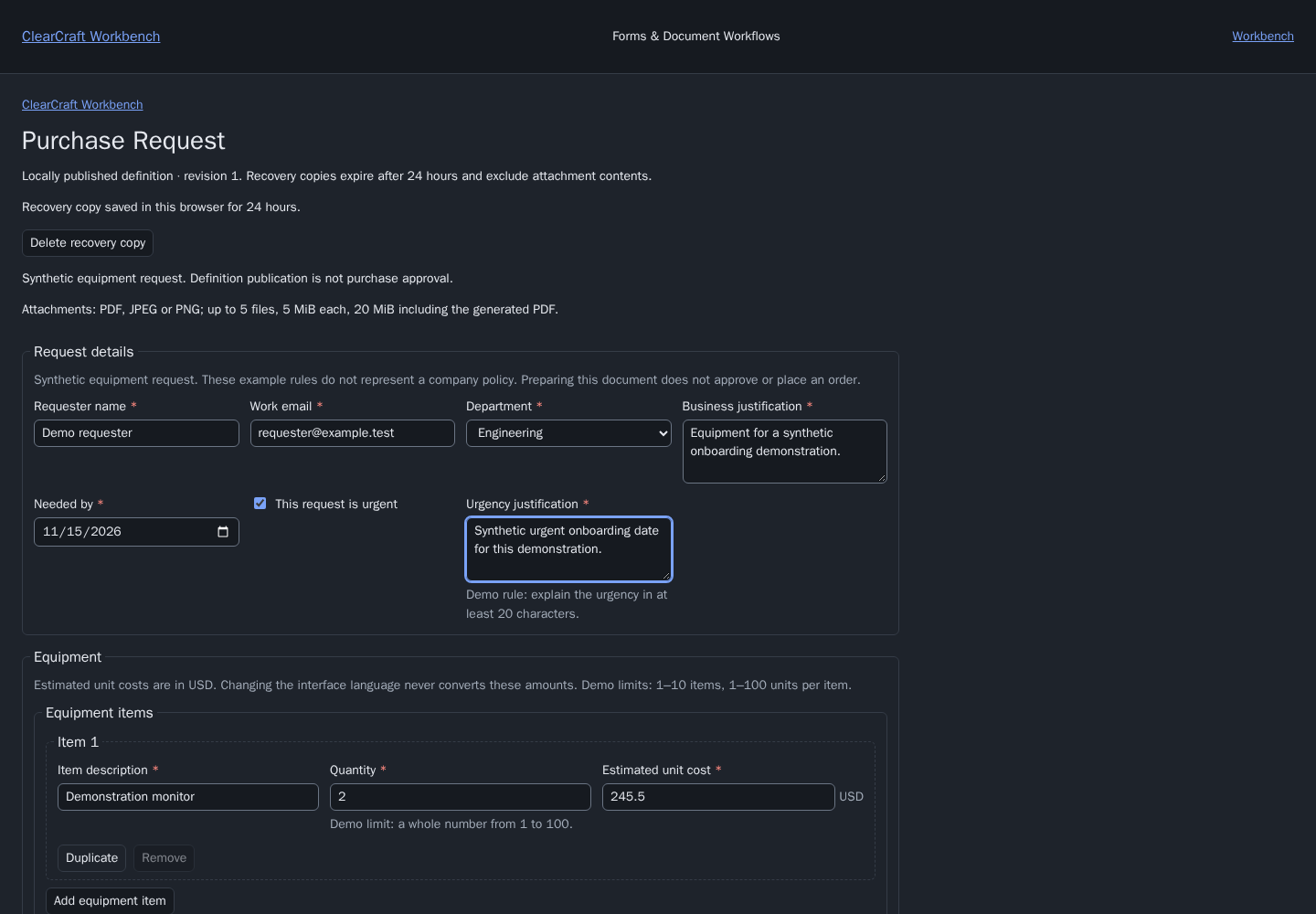
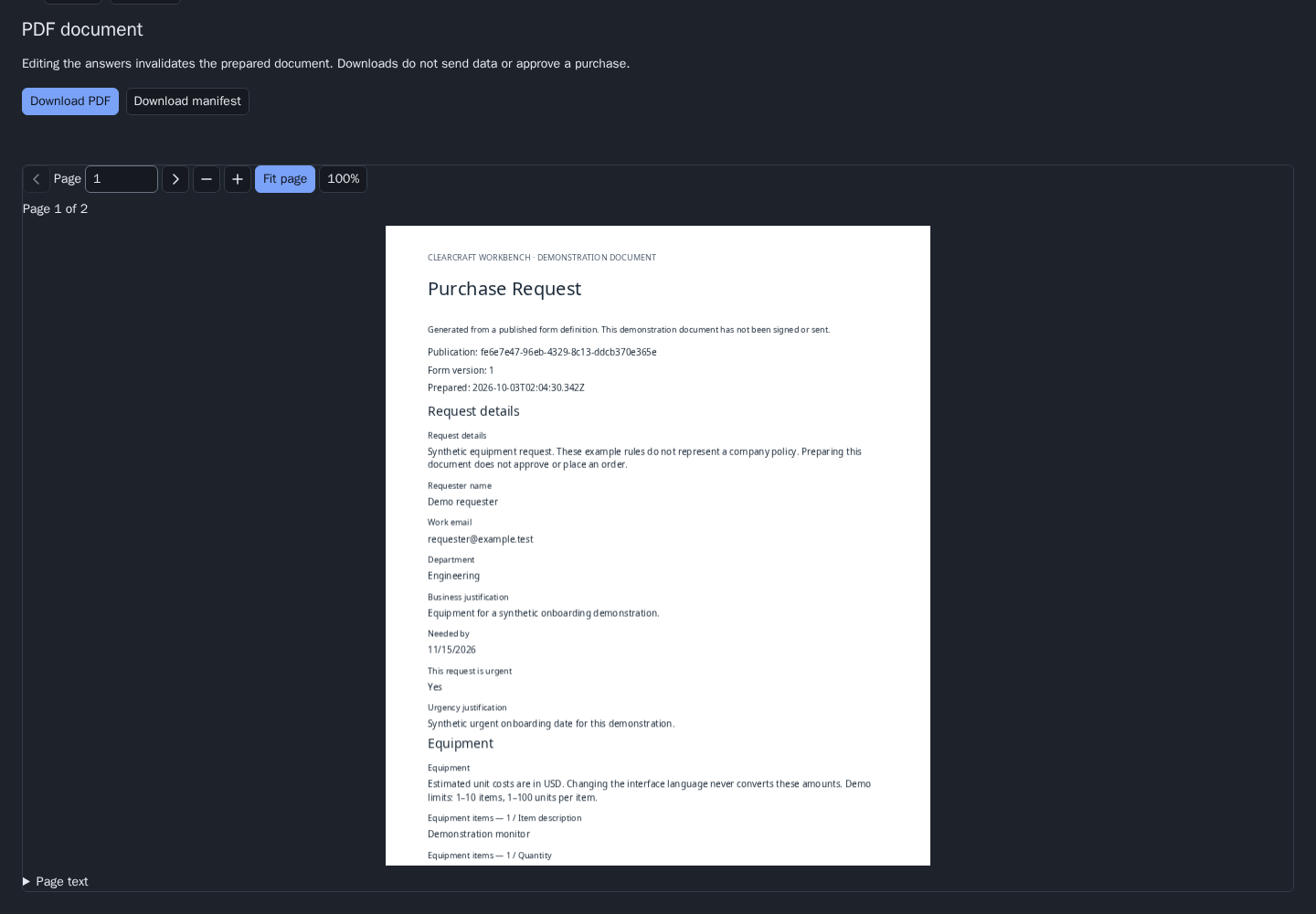
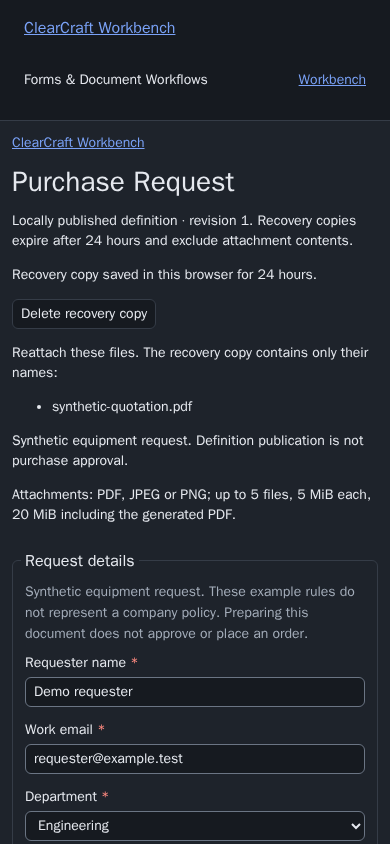
Purchase Request contains requester details, department, justification and a required date. Equipment rows repeat with a whole-number quantity and estimated unit cost in USD. An urgent request reveals an additional justification field. A quotation accepts PDF, JPEG or PNG files within the declared size limit.
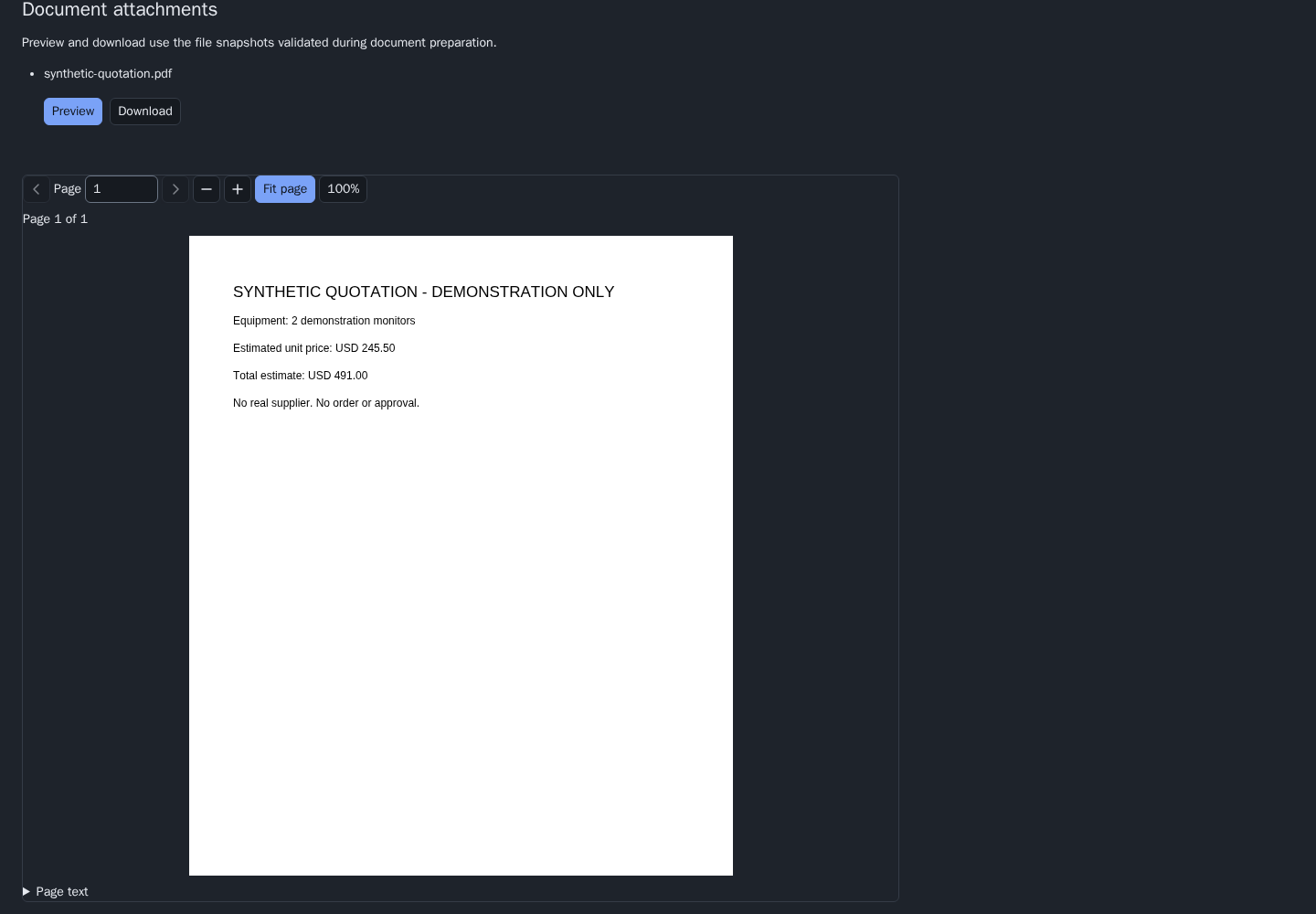
The author edits the definition, checks a preview, saves a draft and publishes an immutable snapshot. A user fills that version, recovers incomplete answers after a reload, attaches the quotation and prepares an HTML summary, searchable PDF and attachment manifest. This scenario creates no map.
02 / My contribution and the boundaries
Compose shared UI.
Keep the rules with the application.
Application workflow
I implemented definition editing, repository operations, revision checks, recovery and document preparation. Purchase Request is an application preset using the existing contracts. Storage keys and previously saved definitions remain compatible.
Shared components
Workbench and GeoAtlas both compose Grid, UiField and UiButton. Workbench adds the shared form builder, renderer and preview. GeoAtlas adds WFS and map adapters. The shared libraries contain no condition that recognises “Purchase Request”.
Integrated engines
Angular Signal Forms, TanStack Table and pdf-lib supply underlying capabilities. My work is the component contracts, state boundaries, composition, integration and tests. I do not claim authorship of these external engines.
03 / Cases that need deliberate handling
Preserve the user's work.
Concurrent revisions
A stale save cannot silently replace a newer stored version. A publication whose reply was lost is checked before another write is offered.
Draft recovery
Author copies and entered answers have separate scopes. Recovery checks the role and publication version. Attachment names are retained, while file bytes must be supplied again.
Stale documents and files
File validation checks size, declared type and actual bytes. A change to an answer or attachment invalidates the prepared document. A late PDF operation cannot replace newer state.
05 / Verification and limits
Test the workflow.
State its limits.
Browser checks exercise the definition, preview, publication, filling, attachment hashes, PDF download, reload recovery and document invalidation. Desktop and phone checks include focus, keyboard use and selected axe accessibility checks. Unit tests cover the rules, locale parsing and existing Polish defaults.
These checks run in a controlled environment. Roles are local demonstrations, storage is in the browser, and no procurement approval, email, ERP, payment or signing service is connected. This is not a production SLA or a claim of complete accessibility compliance. USD is explicit example data; changing language never converts money.
Inspect the shared foundation ↗
See it applied to map workflows ↗
Read about the delivery process ↗