Essentials · Angular, React and OpenLayers
Keyboard navigation inside a custom element
Preserve accessible keyboard panning, zoom shortcuts and ARIA naming inside a Shadow DOM OpenLayers Custom Element in Angular and React apps.
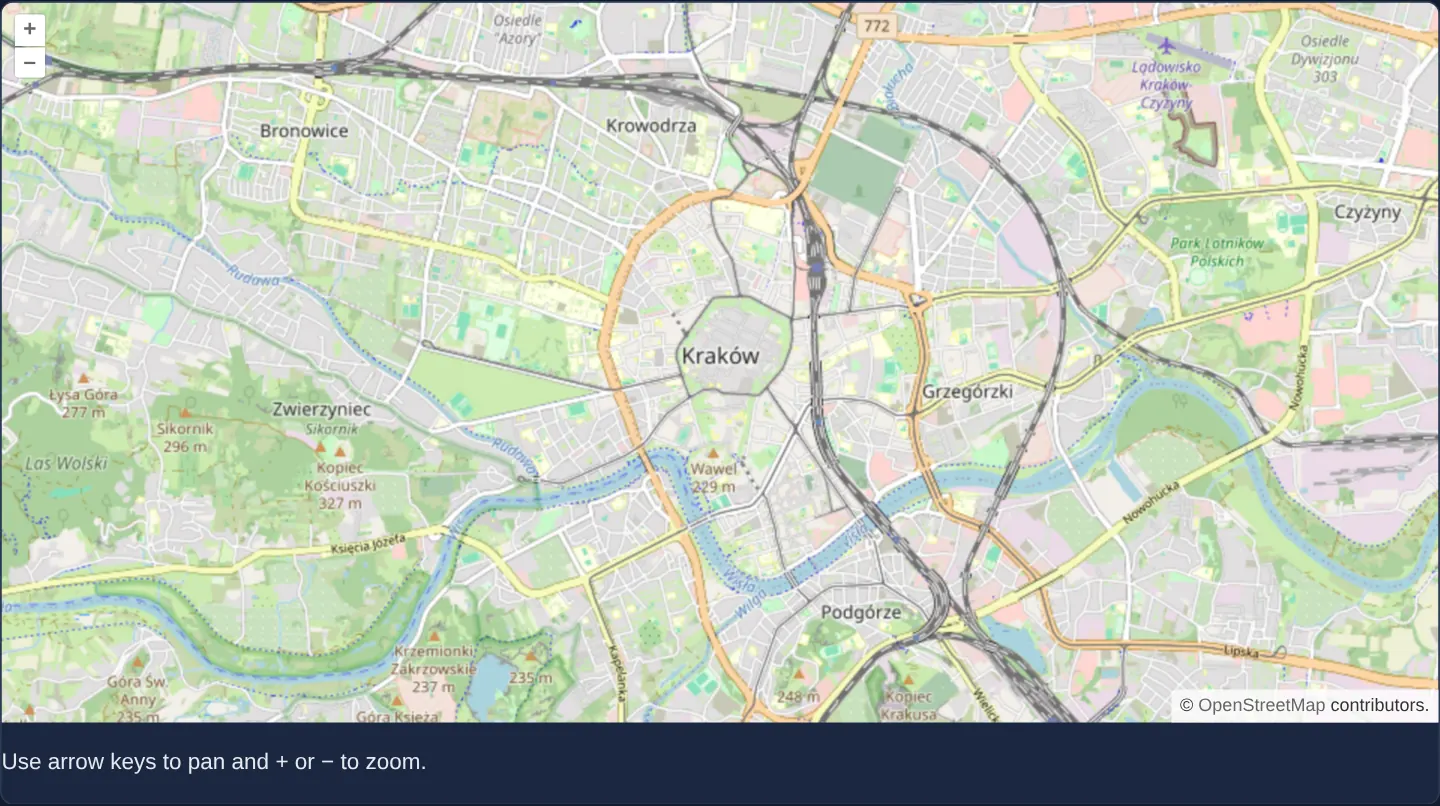
What this example shows
Encapsulated inside a browser Custom Element with an isolated Shadow DOM root, an OpenStreetMap viewport remains reachable via keyboard Tab navigation—allowing arrow keys to pan and plus/minus keys to zoom cleanly in both Angular and React hosts.
When you need it
Design-system teams wrapping maps inside Shadow DOM Web Components often accidentally break keyboard navigation and screen-reader announcements because Shadow DOM changes focus delegation and event retargeting.
Configuring explicit focusability and ARIA labelling on the inner shadow map target supports the WCAG 2.1 AA focus and accessible-name requirements for encapsulated map widgets.
The code
The example uses cc-openlayers, my Angular component library for OpenLayers: each aol-… element creates the OpenLayers object it names, updates it from its inputs and disposes of it with the component.
es2015-custom-element-a11y.html<cc-gallery-map-a11y />es2015-custom-element-a11y.tsimport { ChangeDetectionStrategy, Component, CUSTOM_ELEMENTS_SCHEMA, EnvironmentInjector, inject } from '@angular/core';
import { registerAngularMapElement } from '../es2015-custom-element/es2015-custom-element.angular';
@Component({
selector: 'app-es2015-custom-element-a11y',
schemas: [CUSTOM_ELEMENTS_SCHEMA],
changeDetection: ChangeDetectionStrategy.OnPush,
templateUrl: './es2015-custom-element-a11y.html',
})
export class Es2015CustomElementA11y {
constructor() {
registerAngularMapElement('cc-gallery-map-a11y', inject(EnvironmentInjector), true);
}
}The React version mounts a native custom element. The element creates its map through the public OpenLayers API when connected and disposes of it when disconnected; React owns the element's place in the page.
es2015-custom-element-a11y.react.tsximport { useEffect, useRef } from 'react';
import { registerNativeMapElement } from '../es2015-custom-element/es2015-custom-element.shared';
export function Es2015CustomElementA11y() {
const host = useRef<HTMLDivElement>(null);
useEffect(() => {
registerNativeMapElement('cc-gallery-react-map-a11y', true);
const element = document.createElement('cc-gallery-react-map-a11y');
host.current?.append(element);
return () => element.remove();
}, []);
return <div ref={host} />;
}How the React version works
Keep map keyboard navigation usable inside a custom element and its shadow root.
What both versions share
The shadow map target receives keyboard events; arrow keys pan and plus or minus changes zoom.
From Angular to React
| Angular | React |
|---|---|
| The Angular Element hosts a focusable map inside its shadow root. | The native custom element creates a labelled, focusable map target. |
| An external Angular template declares the example. | JSX declares the example and its controls. |
| The Angular lifecycle releases the mounted resources. | Effect or subscription cleanup releases the mounted resources. |
Who creates, updates and disposes
Both versions retain keyboard panning and zooming inside shadow DOM. Disconnection releases the map, and reconnection creates a fresh one.
Architecture and OpenLayers mechanics
Inside the Custom Element’s shadow root (reactAdapter: false for native custom-element interop), the inner map target container carries explicit focus and accessible-label wiring: keydown events bubble to a host-level listener fed by the focused shadow target (the React element points keyboardEventTarget at that target directly), so keyboard pan and zoom work without document-wide listeners.
How it works
- Placing keyboard focus on the inner shadow map target lets arrow keys pan the camera and plus or minus keys adjust zoom cleanly across Shadow DOM boundaries.
Pitfalls
- Shadow DOM isolates document.activeElement retargeting—always verify keyboard focus and ARIA announcements directly on the shadow map target rather than assuming document-level listeners behave identically.
Related examples
The same feature in the OpenLayers examples .
Background: state and lifecycle of maps in Angular with OpenLayers, which the components of cc-openlayers take care of.